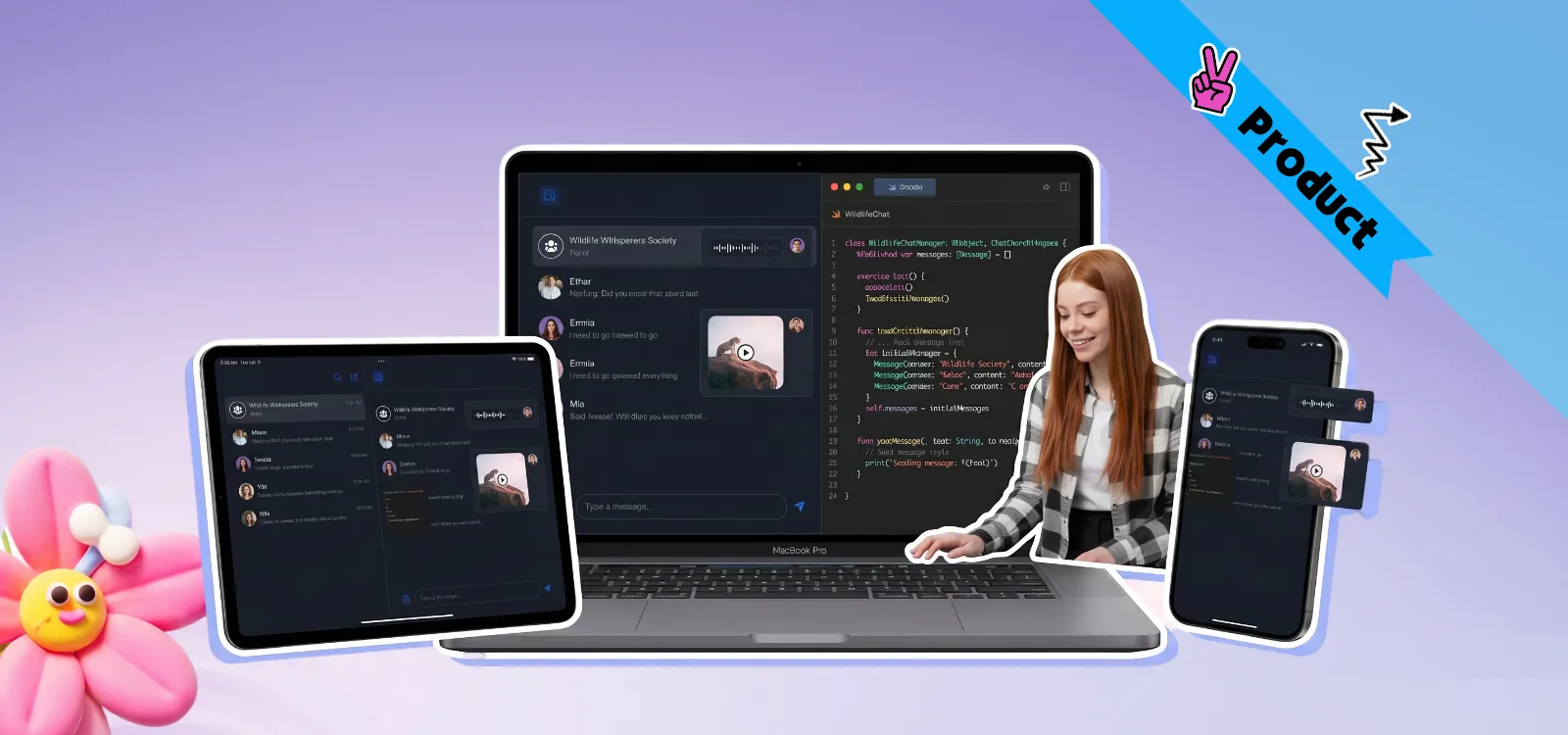
For developers building native iOS applications, our Free Swift Chat SDK (10K MAU) provides production-ready 1:1 chat, group channels, and APNs push integration at zero cost.
In the current digital landscape, the cost of "context switching" has become a hidden hurdle for business growth. If a user has to jump out of your app to sort out a delivery or ask a quick question, your sales path is basically dead. It’s a total vibe killer. When they head to a different chat app, you aren't just losing their attention for a minute. You are actually giving away control of your data and your brand's value to a third party. I’ve seen this happen way too much. Companies spend big on ads, but then they let their users leak out just because they didn't have a native In-app Chat API to keep the conversation where it belongs.
Our 2026 In-app Connectivity Playbook shows that moving to a real-time ecosystem is a must. Adding a professional In-app Chat API can lead to a 131% jump in user engagement. It also helps people stay 3.5 times longer in your app. By keeping conversations inside your app, you own the experience. You stop leaking your best users to other platforms.
For a more comprehensive roadmap tailored to your specific industry, I’ve put together the full 2026 In-app Connectivity Playbook. It dives into the technical architectures that were simply too deep to fit in a single post.
The In-App Chat Playbook 2026
The iOS Imperative: Why Premium Experience is the Standard
The iOS world is special. People with iPhones really hate slow or buggy apps. They want things to feel smooth and fast. In 2026, a "good enough" chat box is a quick way to lose customers.
To win on iOS, your chat needs to feel native. It must work perfectly with things like Apple Push Notifications (APNs). At Nexconn, we know that for a top brand, the chat screen is your "front door." It has to look great and respond instantly.
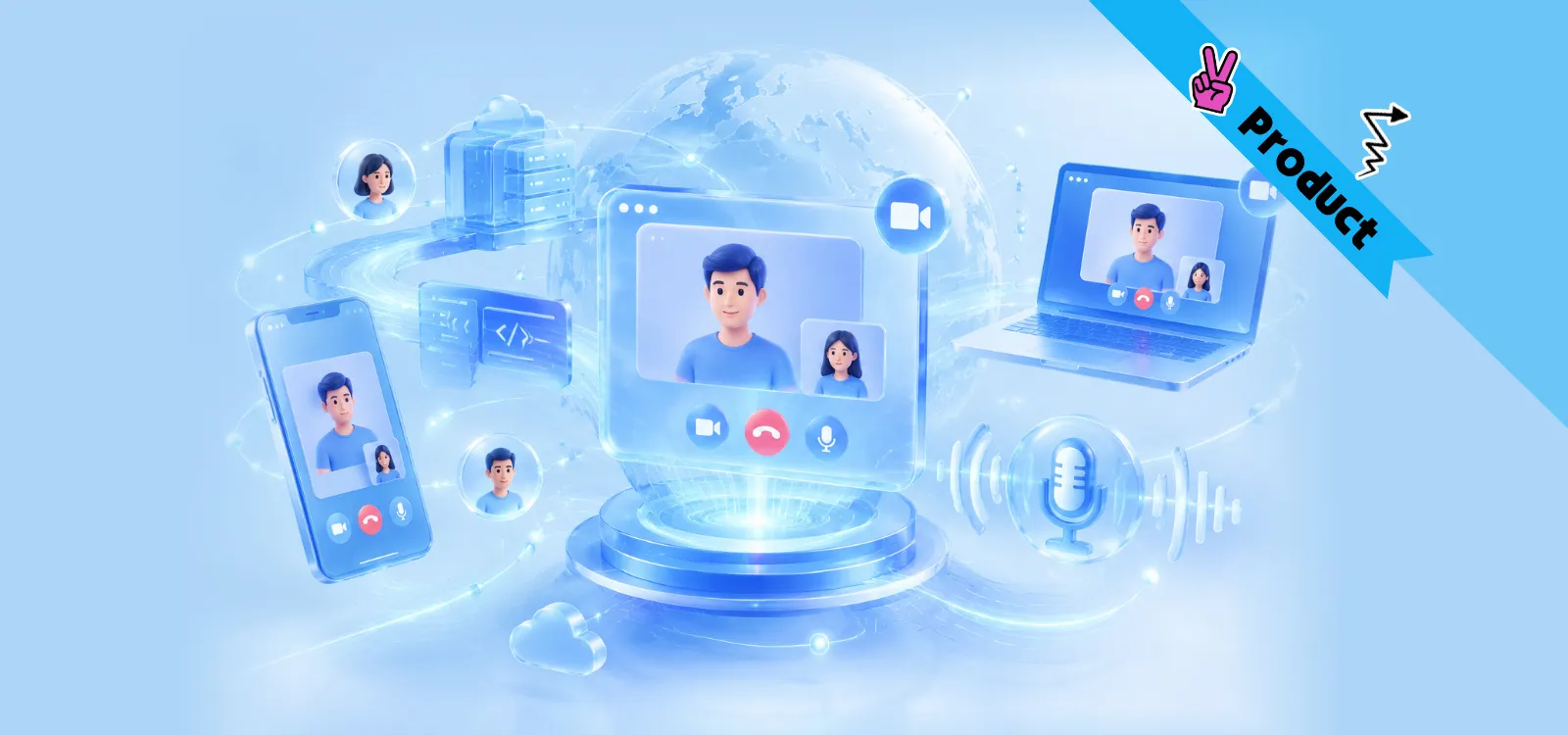
Also, users move between devices all day. They might start a chat on their iPhone while walking and finish it on a Mac at the office. This "Ubiquitous Connection" is key. Our Enterprise Messaging API does the heavy lifting to keep chat history and unread counts perfectly synced. I've used so many apps that get messy or confused when you switch from a phone to a laptop, but Nexconn doesn't let that happen. Everything stays exactly where it should be, no matter if your user is on an iPhone, an Android device, or just a web tab. It might look like magic to the user, but honestly, it’s just us handling the boring backend stuff so your team doesn't have to.
Planning Your Architecture: The Nexconn Matrix
Before you write any code, you need a plan. Nexconn offers a ready-to-go setup for different goals:
Direct & Group Channels: Tailored for 1-to-1 customer support, P2P marketplaces, and private social circles. It handles the heavy lifting of member roles and relationship blocking.
Open Channels: Designed for massive live events and gaming lobbies. These channels support millions of concurrent users with sub-120ms reaction times.
Community Channels: Our response to the demand for Discord-like depth. These offer organized, multi-layered discussion spaces under one roof to foster long-term community governance, particularly in the Web3 space.
The In-App Chat Playbook 2026
Swift Implementation: A Quick-Start Blueprint
While Nexconn remains 100% compatible with Java and Kotlin for cross-platform teams, we recommend Swift for high-performance native iOS builds. The integration is designed to maintain peak development velocity.
Install the SDK
You can use CocoaPods or Swift Package Manager. For pods, just add this line to your Podfile:
pod 'NexconnChat/Chat', '~> x.y.z'
Then run:
pod install
Open the generated .xcworkspace file in Xcode.
Initialize the Engine
Wake up the communication layer in your AppDelegate. Once initialized, the SDK automatically handles offline message sync when the user reconnects.
import NexconnChatSDK

let params = InitParams(appKey: "Your_AppKey")
NCEngine.initialize(params)
Establish the Connection
Register a connection status handler before connecting, then call NCEngine.connect(params:databaseOpenedHandler:completionHandler:) with the user's access token.
import NexconnChatSDK

final class MyConnectionHandler: NSObject, ConnectionStatusHandler {
  func onConnectionStatusChanged(_ status: ConnectionStatus) {
    print("Connection status: \(status.rawValue)")
  }
}

let connectionHandler = MyConnectionHandler()
NCEngine.addConnectionStatusHandler(identifier: "MyApp", handler: connectionHandler)

let connectParams = ConnectParams(token: "user-access-token")
NCEngine.connect(
  params: connectParams,
  databaseOpenedHandler: { isRecreated, error in
    guard error == nil else { return }
    // Local database is ready — safe to show main UI
    if isRecreated {
      // Local data was cleared
    }
  },
  completionHandler: { userId, error in
    if error == nil {
      // Connection successful
    } else if error?.errorCode == 15 {
      // Token expired — fetch a new one from your server and reconnect
    }
  }
)
Send a message
Send a text message to another user:
guard let channel = DirectChannel(channelId: "recipient-user-id") else {
  return
}

let textContent = TextMessage(text: "Hello!")
let params = SendMessageParams(content: textContent)

channel.sendMessage(
  params: params,
  attachedHandler: { message in
    // Saved to local database — update UI here
  },
  completionHandler: { message, error in
    if let error {
      print("Send failed: \(error.localizedDescription)")
    } else {
      print("Sent successfully, messageId: \(message?.messageId ?? "")")
    }
  }
)
In 2026, infrastructure stability is your business moat. If a message is lost, user trust is broken instantly. Nexconn was engineered to eliminate these risks:
120ms Latency: We use a global network called SD-CAN with over 3,000 nodes. Your data travels on the fastest path.
No Lost Messages: Our system stays strong even when users walk into an elevator or switch from 5.5G to bad Wi-Fi.
Top-Tier Security: We protect your data with End-to-End Encryption (E2EE). Only the users can see their messages.
Frequently Asked Questions
1. Why shouldn't I just send my users to Discord or WhatsApp?
Honestly, doing that is like building a fancy house on a piece of land you don't own. Every time a user leaves your app to talk, you lose their data, their time, and your chance to sell. By using a native In-app Chat API, you keep that 131% engagement surge inside your own walls. Don't be a tenant; be the owner of your community.
2. How do you handle the "janky" feel common in cross-platform chat?
iOS users have zero tolerance for lag. If the chat feels slow or the UI stutters, they'll delete your app in a heartbeat. We engineered Nexconn for 120ms end-to-end latency. It feels snappy and native because we handle the heavy-duty backend synchronization for you. It’s built to match the high standards of the Apple ecosystem.
3. Will my messages stay in sync if I switch from my iPhone to my Mac?
Yes. There is nothing more annoying than reading a message on your phone and seeing a "1" notification still hanging on your laptop. Our Enterprise Messaging API does the boring work to make sure unread counts and chat history are matched up perfectly across all your devices and web tabs. The story is always the same, no matter where you log in.
4. Is this SDK secure enough for financial or Web3 apps?
We don't just send data; we lock it down. We use E2EE (End-to-End Encryption) that secure the world's top crypto wallets. Even we can't see the messages—only your users hold the keys. This is about total data sovereignty for your brand.
Claim Your Growth: The "Next Month on Us" Deal
Talk is cheap. I'd rather you just see that 131% engagement jump on your own data dashboard. To help you stop being a "tenant" on other platforms and start building a real home for your users, we’ve made the first step easy.
Here is the deal: Subscribe to nexconn this month, and your entire next month is on the house.
We will literally pick up the tab for your second month of service. It's a full 30 days of enterprise-grade In-app Chat API power at zero cost to your budget. Why wait for another quarter to fix your user retention? Let’s build an interactive economy that you actually own, starting today. 👇
Contact us
We'd love to discuss how Nexconn's real-time communication solutions can support your business. Request a demo, explore pricing, or get tailored onboarding guidance.