Build Real-Time Chat Across Web, iOS, Android, and Flutter with Nexconn
Ryan Yang
Nexconn Infrastructure Engineer. Optimizes latency and scales microservices for hundreds of millions of concurrent users. Shares technical deep dives and backend lessons for zero-latency communication.
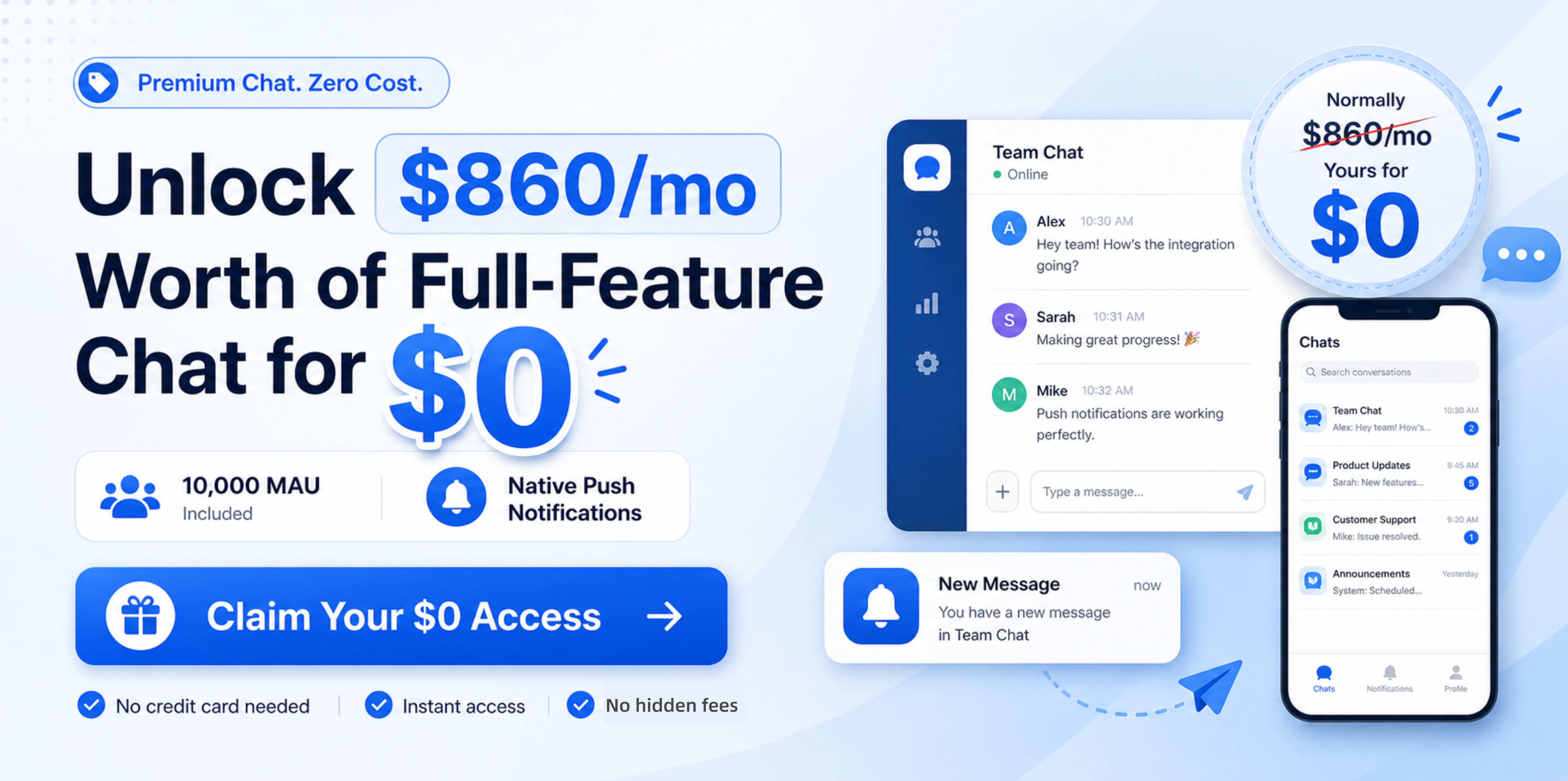
Deploy production-grade in-app chat across Web, iOS, Android, and Flutter at $0 with our Free Multi-Platform Chat SDK(10K MAU).
Adding a message input and a WebSocket is easy. Building chat that survives network changes, app restarts, offline periods, multiple devices, media uploads, unread state, group growth, and production traffic is a different problem.
This guide shows the shortest practical path to real-time in-app chat with Nexconn across Web, iOS, Android, and Flutter. You will see the common architecture, the minimum integration flow for each platform, and the production decisions to make after the first message is sent.
TL;DR
Client & Channels: Use the Nexconn Chat SDK for connections, state, and real-time events across Direct (1:1), Group (private teams), Open (live streaming), and Community (large sub-channel servers) channels.
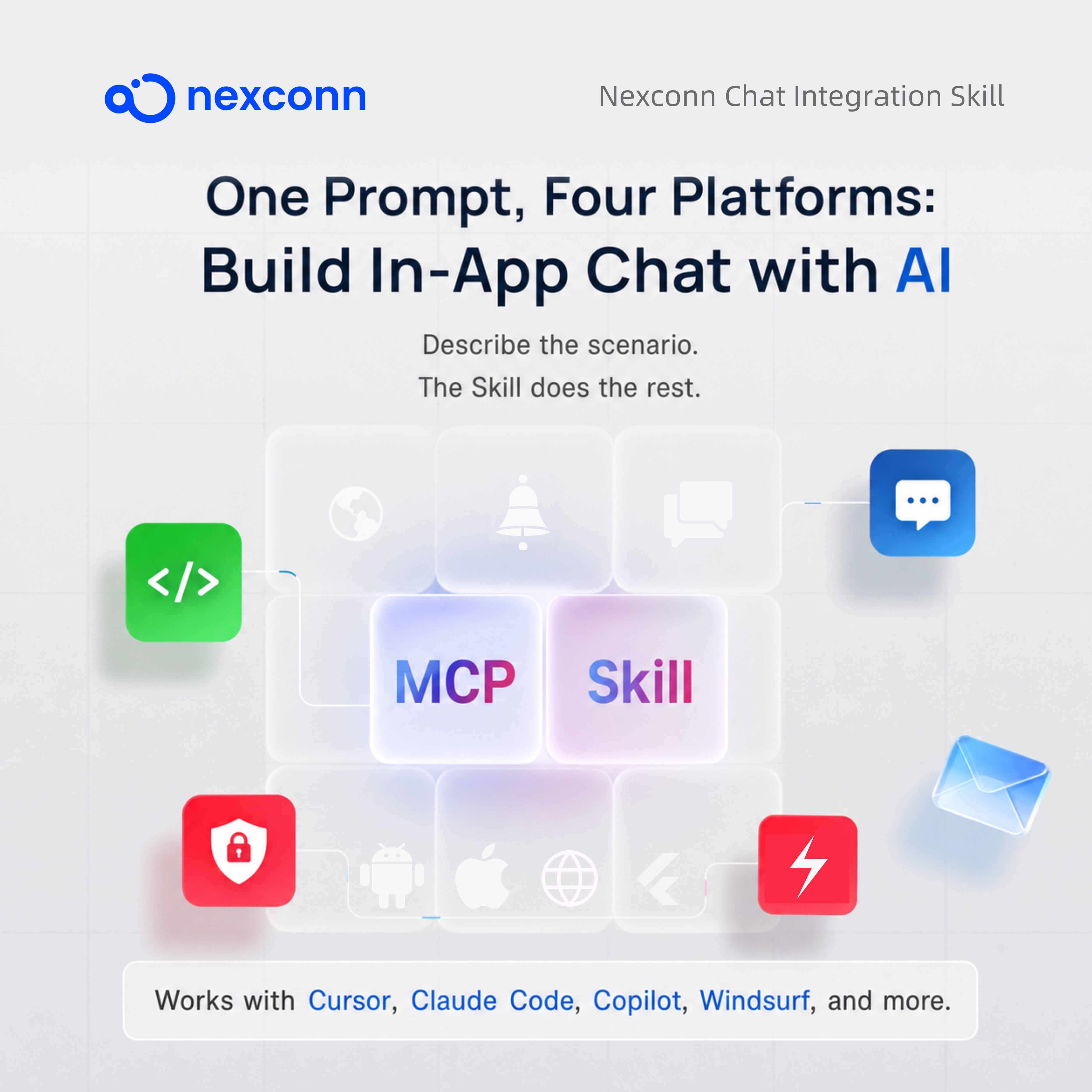
AI-Driven Integration: Use the open-source Nexconn Chat Integration Skill (compatible with Cursor, Claude Code, Windsurf, GitHub Copilot, and any SKILL.md tool). It fetches live docs via llms.txt and automatically generates full-stack code (Flutter, iOS, Android, Web, and backend token endpoints) from a single prompt.
Security Rule: Keep your Nexconn App Secret strictly on your application server. Clients should only receive user-specific access tokens—a rule enforced by both architecture and the AI Skill.
Unified Lifecycle: The core integration flow follows the same pattern across all platforms: install → initialize → register handlers → connect → create a channel → send messages.
Production-Ready Free Plan: Launch for free with up to 10,000 MAU/month. It includes full Pro-tier features, multi-channel push notifications, 10GB storage/upload, 180-day history, and no credit card required—sized for real product launches, not just toy prototypes. Read our fullProduction-Ready Free Chat SDK (10K MAU) breakdown.
Why a Production Chat SDK Is More Than a WebSocket
A WebSocket can move data between a client (browser or mobile app) and a server. A production chat system must also define and maintain:
Deterministic user authentication and stable identity mapping
Automatic reconnection across Wi-Fi, cellular, and app lifecycle transitions
Message ordering, deduplication, local persistence, and cloud history
Offline message synchronization and accurate multi-device unread badge counts
Distinct conversation models: 1:1 direct messaging, private groups, live rooms, and multi-channel communities
Rich media support: images, files, voice notes, video, location, and custom payloads
Message recall, deletion, quote replies, forwarding, and delivery/read receipts
Offline push notification delivery (APNs, FCM) and deep link routing
Moderation tooling, user blocking, role-based permissions, and webhook events
If messaging infrastructure is not your product's main differentiator, a managed Chat SDK lets your team spend more time on the user experience around each conversation: marketplace orders, game communities, creator engagement, education workflows, support tickets, or AI assistants.
Integration Architecture & Channel Models
The Three-Layer Integration Architecture
Most production integrations need three layers:
Layer
Responsibility
Secrets allowed?
Web or mobile client
Initialize the SDK, connect, render chat, send messages, receive events
App Key and short-lived/user-specific token only
Your application server
Verify your user, map the user ID, store the App Secret, call Nexconn Server APIs
User signs in to your app
  -> Client requests a chat token from your backend
  -> Backend verifies the app session
  -> Backend maps the app user to a stable Nexconn user ID
  -> Backend calls the Nexconn Server API with the App Secret
  -> Backend returns the user token to the client
  -> Client connects with the Nexconn Chat SDK
Never call the user registration/token Server API directly from Flutter, Swift, Kotlin, or browser code. Doing so would expose the App Secret in a distributable client.
Choose the Right Channel Type
Nexconn uses channel objects to make conversation behavior explicit.
Channel type
Best fit
Identifier
DirectChannel
One-to-one chat, buyer-seller messaging, support
The other user's ID
GroupChannel
Private groups, teams, classes, game squads
Group ID
OpenChannel
Livestream chat and rooms users can freely join or leave
Open channel ID
CommunityChannel
Large communities with topic-based subchannels
Community and subchannel IDs
Start with the simplest channel model that matches your use case. A marketplace MVP usually needs direct channels first. A livestreaming product should design open-channel moderation and message priority early. A community product should define roles and subchannel permissions before building UI.
Getting Started with the Production-Ready Free Plan
Unlike typical free tiers that restrict you to a few hundred users for testing only, Nexconn's Free Plan is built for production scale — not just for prototyping:
No credit card required to get started
10,000 Monthly Active Users (MAU) with up to 500 peak concurrent connections (5% of MAU)
Full Pro-tier feature set included across Direct, Group, Open, and Community Channels (with sub-channel management)
Multi-channel push notifications included by default at zero extra cost
10GB file storage, 10GB upload capacity, and 180-day message history
Predictable, transparent overage pricing ($0.12/MAU, $0.90/PCC) if your product scales past the included limits
Multi-Platform Implementation Guide
The Common Five-Step Integration Flow
Every Nexconn client follows the same sequence:
Install the platform SDK.
Initialize NCEngine once with the App Key.
Register message and connection handlers before connecting.
Get a user token from your backend and call connect once per app lifecycle.
Create a channel and send a message.
The SDK includes automatic reconnection. Your application should observe connection state and update the UI accordingly, but it should not repeatedly call connect after every temporary network change.
Want AI to Automate This Entire Workflow?
Instead of manually writing boilerplate and wiring lifecycle logic across four separate platforms, you can use the open-source Nexconn Chat Integration Skill (compatible with Codex, Claude Code, Cursor, Windsurf, GitHub Copilot, and any tool supporting the open SKILL.md standard).
Built specifically for modern developer tools, it is a complete end-to-end integration workflow orchestrator: from conversation channel decisions and SDK vs. UI mode selection to cross-platform configuration, push notification setup, and strict server-side secret isolation—the entire integration lifecycle is automated from a single natural-language prompt:
Flutter Quick Integration
The Flutter package requires Dart ^3.7.2 and Flutter >=3.29.2.
In the Flutter SDK, a successful connection callback may contain NCError(code: 0), so check error.isSuccess instead of assuming success always means error == null.
When the widget, screen, or controller is no longer needed, remove its handlers. When the signed-in chat session ends, call NCEngine.disconnect(). Call NCEngine.destroy() only when the application no longer needs the engine.
iOS Quick Integration
Nexconn supports CocoaPods and Swift Package Manager. For SPM, add:
Initialize the SDK during app startup. Register connection and message handlers before connecting to ensure the UI receives initial synchronization events. The SDK requires iOS 13 or later and Xcode 14 or later.
Android Quick Integration
Add the SDK dependency to the app module. Replace the version with the latest release from the Nexconn Maven repository:
Then initialize, register handlers, connect, and send:
import {
  NCEngine,
  DirectChannel,
  SendTextMessageParams,
  ConnectionStatusHandler,
  MessageHandler,
} from '@nexconn/chat';

NCEngine.initialize({ appKey: '<Your-App-Key>' });

NCEngine.addConnectionStatusHandler(
  'app-connection',
  new ConnectionStatusHandler({
    onConnectionStatusChanged({ status, code }) {
      console.log('Connection:', status, code);
    },
  }),
);

NCEngine.addMessageHandler(
  'app-messages',
  new MessageHandler({
    onMessageReceived({ messages }) {
      console.log('Received:', messages);
    },
  }),
);

const result = await NCEngine.connect({ token: '<Your-Token>' });
if (result.code === 0) {
  const channel = new DirectChannel('recipient-user-id');
  const params = new SendTextMessageParams({ text: 'Hello from Web!' });
  const sendResult = await channel.sendMessage(params);
  console.log('Send result:', sendResult.code);
}
A few important notes about the Web SDK:Web SDK initialization is synchronous and should happen exactly once during the app lifecycle. In React, Vue, Angular, or another SPA, centralize the SDK in a service/provider instead of initializing it from multiple components. In server-side rendering (SSR) frameworks, ensure SDK code runs only on the client side.
Before You Go to Production
Recommended Feature Rollout Order
A reliable rollout is easier when the team prioritizes the core path first.
Phase
Capability
Rationale
1
User authentication & stable identity mapping
Prevents duplicate identities and secures API access
2
Direct channels, plain text & real-time listeners
Validates the core end-to-end delivery pipeline
3
Conversation list & cloud message history
Preserves conversational context across app restarts and returning sessions
4
Unread badges, read receipts & typing indicators
Delivers interactive feedback loops expected in modern chat
5
Rich media (images, files, voice, video, custom payloads)
Expands user engagement beyond plain text
6
Group, open, or community channels
Introduces multi-user concurrency, role permissions, and channel governance
7
Offline push notifications (APNs/FCM) & deep links
Ensures production compliance, user safety, and system observability at scale
Common Integration Mistakes
Putting the App Secret in the client
An App Key identifies the Nexconn application and is expected in client initialization. The App Secret authorizes server operations and must remain on your backend.
Registering handlers after connecting
The SDK can start connection and offline synchronization events immediately. Register handlers first so the app does not miss initial state.
Calling connect on every network change
The SDK includes automatic reconnection. Call connect once for the authenticated session and observe the connection handler for UI state.
Treating the Chat SDK as a complete UI solution
The Chat SDK provides messaging primitives. Your application still needs conversation screens, message lists, a composer, loading/error states, accessibility, and product-specific permissions. Use a Nexconn Chat UI Kit when a prebuilt interface fits your needs better than building from scratch.
Hardcoding test users and tokens
Test credentials are useful for a local proof of concept, but production clients should fetch tokens from an authenticated backend endpoint.
Ignoring Development and Production isolation
Nexconn provides separate App Keys and isolated data for Development and Production environments. Make environment selection explicit in build configuration.
Production Checklist
The App Secret exists only on your server.
The client obtains a token only after your app session is verified.
App user IDs map deterministically to Nexconn user IDs.
Handlers are registered before connect and removed by their owner.
The client calls connect once per authenticated app lifecycle.
Connection, token-expired, loading, empty, and send-failed states are visible.
Message history is paginated and deduplicated in the UI.
Push notification credentials and deep links are tested on real devices.
Channel membership and moderation rules match your product authorization model.
Do not mix Development and Production App Keys.
Multi-device, offline, weak-network, app-restart, and token-refresh flows are tested.
FAQ
Is Nexconn Chat free to use?
Yes. Nexconn offers a production-ready Free Plan with no credit card required. It includes full Pro-tier features, up to 10,000 MAU, 500 peak concurrent connections (5% of MAU), 10GB file storage, 10GB upload capacity, 180-day message history, and multi-channel push notifications included at zero extra cost.
Do I need my own backend server?
You do not need to operate real-time messaging servers, but a production app requires a lightweight backend endpoint for authentication. Your server safely holds the App Secret, validates authenticated users, and issues secure Nexconn access tokens via Server APIs. If you use the open-source Nexconn Chat Integration Skill, your AI assistant can automatically generate this backend token endpoint alongside your client code.
Can I integrate Nexconn using AI coding assistants like Codex, Claude Code, or Cursor?
Yes. Nexconn provides the official open-source Nexconn Chat Integration Skill (compatible with Codex, Claude Code, Cursor, Windsurf, GitHub Copilot, and any tool supporting the open SKILL.md standard). It fetches live documentation via llms.txt and automates the entire end-to-end integration—from channel architecture and backend token issuance to multi-platform UI assembly—from a single natural-language prompt.
Can I use the same architecture across all platforms?
Yes. While language syntax differs across Dart (Flutter), Swift (iOS), Kotlin (Android), and TypeScript (Web), the core lifecycle is identical: initialize the engine → register handlers → connect with a user token → operate on channels → clean up session resources.
Does Nexconn provide prebuilt UI components?
Yes. Nexconn provides both headless Chat SDKs (when you need complete UI control) and Chat UI Kits (when speed and prebuilt conversation screens, message lists, and composers are preferred). The Nexconn Chat Integration Skill can generate code for either approach.
Which channel type should I use first?
Start with DirectChannel for 1-on-1 private messaging and customer support, GroupChannel for private team collaboration, OpenChannel for high-concurrency live streaming rooms, and CommunityChannel for large multi-topic community servers.
Next Steps & Resources
Create a free Nexconn application, get your Development App Key, add a secure backend token endpoint, and send your first direct message on your target platform.
We'd love to discuss how Nexconn's real-time communication solutions can support your business. Request a demo, explore pricing, or get tailored onboarding guidance.