Nexconn Chat Integration Skill: Build In-App Chat with AI
Kai
AI Product Manager.
Building the future of intelligent communication at Nexconn. Focused on integrating AI into messaging, voice, and video to transform how we connect.
Every chat integration starts the same way: several browser tabs, one for each platform's documentation, and an afternoon spent figuring out which parts of the sample code are current. Android uses Java or Kotlin. iOS uses Swift. Flutter uses Dart. Web uses JavaScript/Typescript. Because there's no unified logic across these platforms, developers end up writing the same functionality — connect, authenticate, send a message, render a conversation list — four separate times, four separate ways, with four separate chances to leak an API secret into client code along the way.
The question worth asking in 2026 isn't whether AI coding tools can help with this. It's whether they actually know Nexconn's APIs well enough to be trusted with the parts that matter — token issuance, secret handling, platform-specific SDK calls — or whether they're just guessing from training data that's already stale by the time a new SDK version ships.
Nexconn Chat Integration Skill is designed to close that gap.
What Nexconn Chat Integration Skill Actually Is
It's an open‑source coding agent skill—available at github.com/NexconnAI-Dev/nexconn-skills—that turns chat integration from a multi‑day slog into a single, well‑guided conversation with your AI assistant. Instead of guessing which SDK version is current or which callback pattern applies to Android vs. iOS, the skill pulls the actual, up‑to‑date Nexconn documentation for your platform and uses that to generate working code.
Concretely, it walks your AI through every decision you'd otherwise have to make yourself: which channel type to use, whether to build with the low‑level SDK or drop in the pre‑built UI, how to set up credentials per platform, configure push notifications, and apply common integration patterns. And because it reads the docs fresh each time, you never get stale advice based on training data from last year.
The skill works with Cursor, Claude Code, GitHub Copilot, Windsurf, and any other tool that supports the open SKILL.md standard. Install it once with npx skills add, and it's available across all those environments—no per‑platform plugins, no context switching.
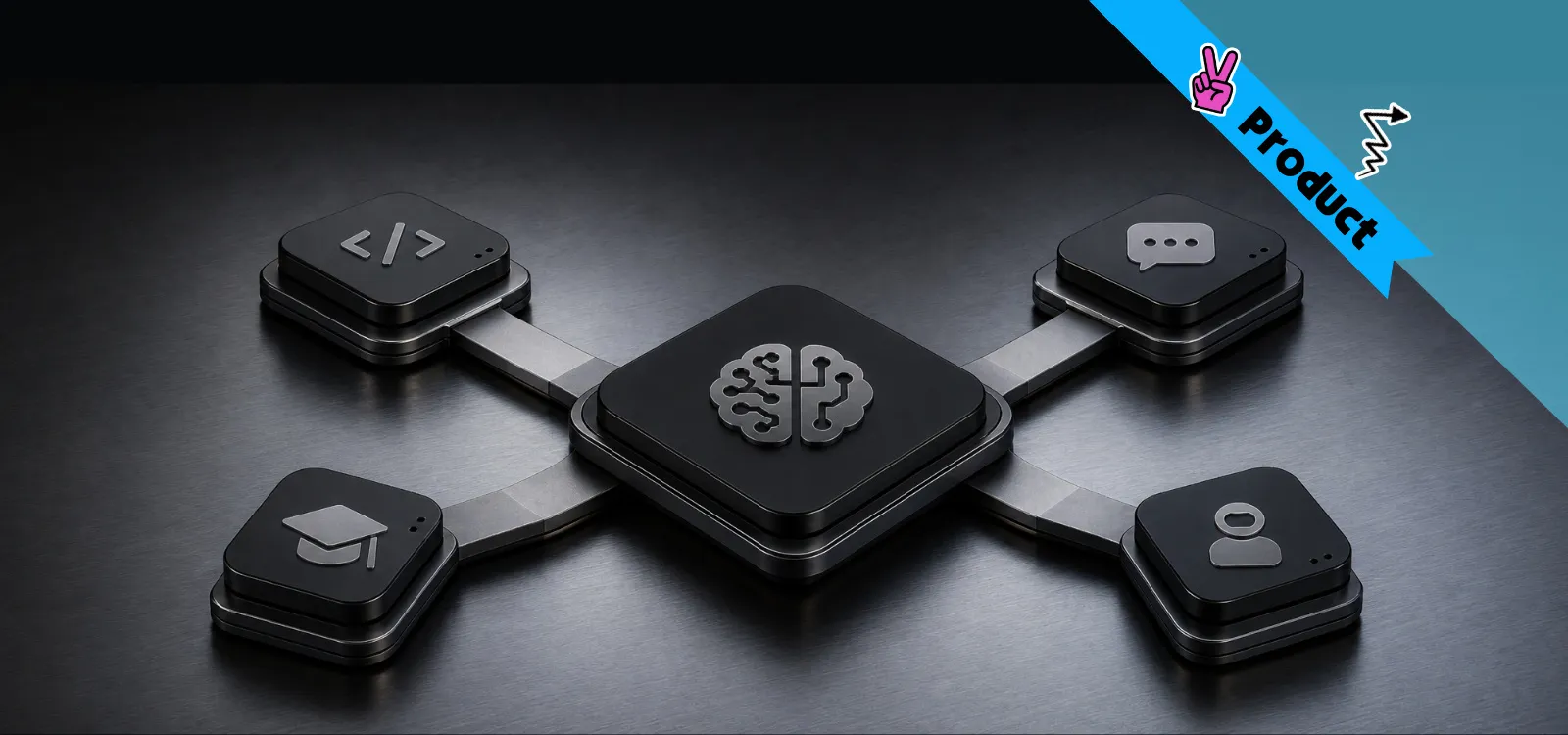
In one package, it covers three integration surfaces: the client Chat SDK, the pre‑built Chat UI components, and the server‑side Platform Chat API. It does this across Android, iOS, Web, and Flutter. But the real headline is its one hard rule: App Secret and signing credentials never leave your server. The skill will not generate client code that contains them, nor will it skip the required backend token endpoint—not even for a quick demo.
If you want the one‑line version: it's a Nexconn specialist that your AI coding tool consults before it writes a single line of integration code.
What Can the Nexconn Chat Integration Skill Do?
What It Does
How It Works
Reads the current Nexconn docs before writing any code
Uses llms.txt to discover and fetch the latest documentation for your specific platform
Generates client-side Chat SDK integration code
Supports Android (Kotlin/Java), iOS (Swift), Flutter (Dart), and Web (JavaScript/TypeScript)
Generates pre-built Chat UI integration code
Uses ready-to-use UI components for conversation lists and message timelines
Generates server-side token issuance endpoints
Creates backend endpoints that return user access tokens, keeping App Secret on the server
Enforces credential isolation
Automatically detects and prevents App Secret from appearing in client-side code
Routes to the right platform docs
Never mixes Android, iOS, Flutter, or Web API patterns — reads only what applies to your target
Handles end-to-end workflows
Combines client SDK integration with backend Platform Chat API calls in one pass
👉 See what it builds: nexconn.ai/demos/chat shows the UI and feature set this Skill generates code against.
What Changes When You Add the Skill
What It Does
How It Works
Reads the current Nexconn docs before writing any code
Uses llms.txt to discover and fetch the latest documentation for your specific platform
Generates client-side Chat SDK integration code
Supports Android (Kotlin/Java), iOS (Swift), Flutter (Dart), and Web (JavaScript/TypeScript)
Generates pre-built Chat UI integration code
Uses ready-to-use UI components for conversation lists and message timelines
Generates server-side token issuance endpoints
Creates backend endpoints that return user access tokens, keeping App Secret on the server
Enforces credential isolation
Automatically detects and prevents App Secret from appearing in client-side code
Routes to the right platform docs
Never mixes Android, iOS, Flutter, or Web API patterns — reads only what applies to your target
Handles end-to-end workflows
Combines client SDK integration with backend Platform Chat API calls in one pass
The point isn't that any individual step above is hard. It's that there are a lot of them, they're easy to get subtly wrong, and doing them four times — once per platform — is where most of the actual time goes.
How It Works
Before the Skill can generate anything, it needs one piece of information from you: your App Key. You get this from the Nexconn Console after creating an app. The App Key identifies your application to Nexconn's backend. The App Secret, which is used for signing server-side requests, is never read by the Skill; it stays in your environment variables on the server.
Three layers do the work, and it's easier to think about them as three separate jobs than as one black box.
The Skill layer handles routing. This is the required piece, installed with:
Once installed, the Skill's job on every request is the same sequence: classify what you're asking for — Chat SDK, Chat UI, or Platform Chat API — discover the matching documentation through https://docs.nexconn.ai/llms.txt, read it before generating anything, and keep platform-specific code properly isolated so an Android callback pattern never leaks into an iOS file by accident.
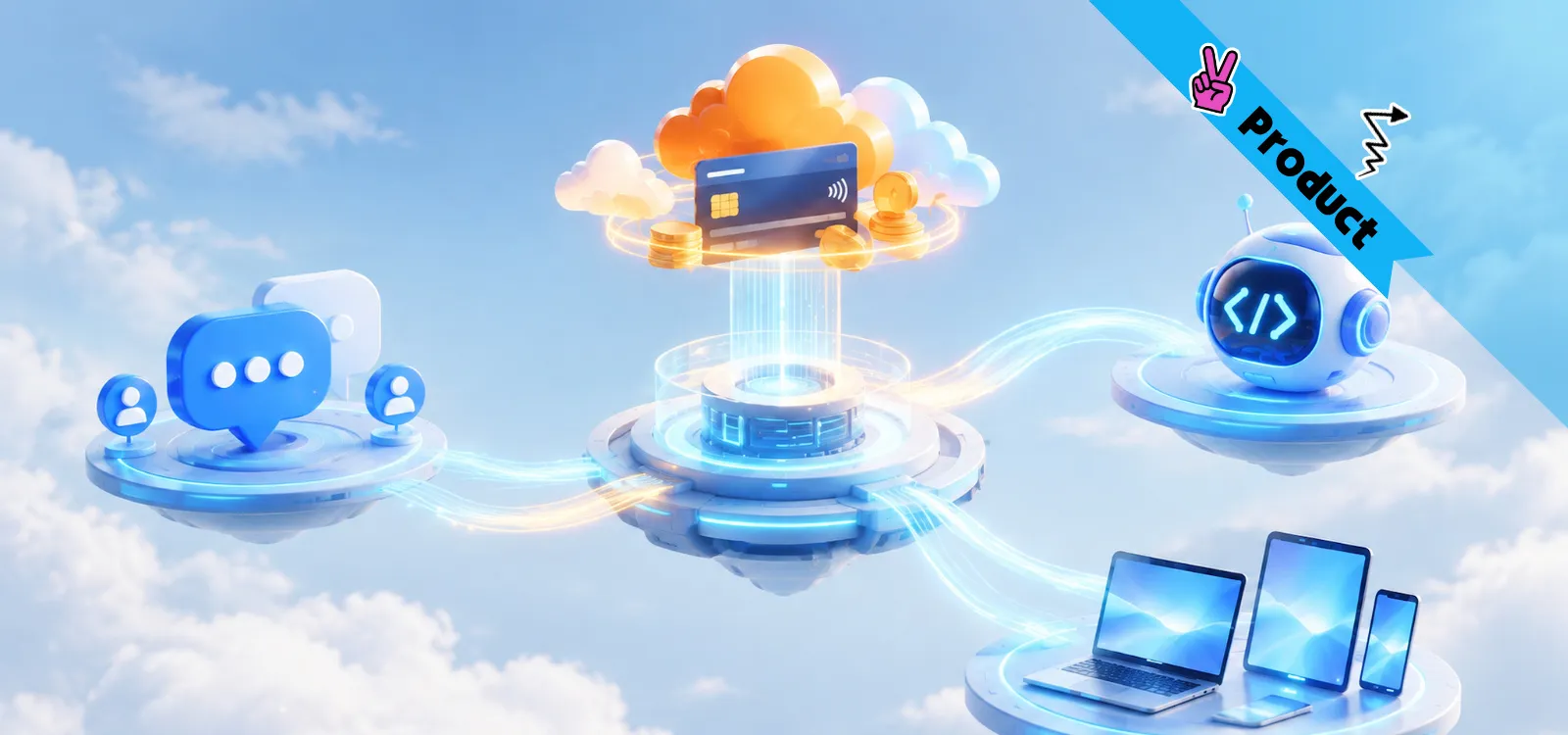
The MCP server layer handles the Console, and it's optional. Where the Skill layer is about generating integration code, the Nexconn Console MCP server gives your AI tool callable access to configuration that lives in the Console itself — issuing user tokens, checking whether direct messaging is restricted to friends, toggling multi-device message sync, adjusting Community Channel settings. It's organized into clear categories: User, Messages, Groups, Friends, Push, Open Channels, and Community Channels, each with paired get/set tools. You don't need it to build a basic integration. You'll want it the moment your AI tool needs to check or change a live setting without you tabbing over to the dashboard yourself.
Once you've provided your App Key, the Skill proceeds through the workflow. Identify the platform, choose the channel type the feature actually needs, decide between custom UI (Chat SDK) or pre-built components (Chat UI), cross-reference the current docs before writing anything, and keep server-only credentials server-only throughout. None of these steps are novel on their own. What's different is that the Skill enforces the order and the boundaries automatically, instead of leaving them to whoever's holding the keyboard that day.
If it helps to picture it: the Skill is the part that knows where to look and what the current rules are; the MCP server is the part that can actually reach into your Console and change something; the workflow is the checklist that keeps both from stepping on each other.
One Prompt, Four Platforms
Here is what this pipeline looks like in practice when you run a concrete prompt in your AI tool:
"Use the nexconn-chat Skill, Flutter platform, to build customer support chat that supports text and image messages."
The agent doesn't start writing code. It works through a sequence first:
✏️ Requests your App Key to identify your application to Nexconn's backend
📖 Reads https://docs.nexconn.ai/llms.txt to find the current Flutter Chat UI documentation
🎯 Classifies the platform as Flutter — Android, iOS, and Web documentation are set aside entirely, not partially referenced
🔐 Generates a server-side token endpoint before touching client code, keeping App Secret off the device
📱 Writes the Flutter Chat UI integration, wired to the token endpoint it just created
✅ Verifies the result — SDK initializes, the client connects with a server-issued token, and the app is left in a runnable state
Change one word in that prompt and the entire downstream path changes with it. Swap "Flutter" for "Android" and the agent reads Android documentation instead, generates Kotlin or Java instead of Dart, and never touches the Flutter reference material at all. Ask for "Android, iOS, and Web" together, and it produces all three in the same pass — still with a single App Secret staying put on the server, regardless of how many clients are asking for a token. The prompt's shape doesn't change. Only the platform parameter does.
This is also where the difference from platform-specific tooling shows up in practice. Some AI Skills for chat SDKs are built one platform at a time — a Swift-specific package for iOS, a separate Android package, another for React Native — each installed and maintained independently, alongside its own credential-handling skill. nexconn-chat takes the opposite approach: one Skill, one entry point, routed by what you tell it you're building. Fewer things to install, and no risk of the wrong platform's package answering a question about the wrong platform.
Choosing the Right Channel Type
Not every chat feature needs the same underlying structure, and the Skill's platform routing works alongside a second decision that matters just as much: which channel type actually fits what you're building.
Use Case
Recommended Channel
Core Characteristics
One-on-one private messaging
Direct Channel
Offline message delivery, push notifications
Small teams, interest groups, customer support
Group Channel
Up to 3,000 members
Large communities, forums, guilds
Community Channel
No member cap, supports nested sub-channels
Live chat, temporary events
Open Channel
Online-only messaging, built for high-concurrency real-time interaction
This table matters more than it looks like it should, because getting the channel type wrong early is one of the more expensive mistakes to unwind later — building a support inbox on a Group Channel that turns out to need thousands of members, or discovering an event chat needs Open Channel's real-time model after already shipping on Group. Telling the Skill your business scenario, not just your platform, is what lets it steer toward the right structure from the first prompt rather than the third rewrite.
Who tends to get the most out of this: full-stack developers who want client and server code generated together instead of separately; mobile developers who don't want to hold two different mental models for Android and iOS at once; product teams validating an idea who need a working prototype in minutes, not a sprint; and small teams trying to cover every major platform without a specialist for each one.
For the broader infrastructure decisions — channel architecture, delivery optimization, compliance requirements — the In-App Connectivity Playbook 2026 covers what teams building at scale actually need to work through before they hit problems in production. 📥 Download the In-App Connectivity Playbook 2026
Verify the Skill Is Actually Loaded
This takes about thirty seconds, and it's worth doing before you start relying on the Skill for anything real. In Cursor, Claude Code, or another supported tool, ask:
"Use the nexconn-chat Skill. What documentation should you read before implementing a Web Chat SDK connection flow?"
A correctly loaded Skill will mention three specific things: https://docs.nexconn.ai/llms.txt, the Web Chat SDK documentation specifically — not Android, iOS, or Flutter — and the fact that the app server is responsible for issuing the Nexconn access token, not the client. If any of those three are missing, or if the response reads like generic chat-SDK advice rather than something grounded in Nexconn's actual docs, the Skill isn't loaded correctly. Check that the SKILL.md file exists at the expected path, restart your coding tool, and confirm your tool's Skill directory setting actually points where you installed it.
Nexconn Skills turns a full-day integration task into a single well-specified prompt: describe the platform and the business scenario, and the agent handles documentation lookup, platform-specific code generation, and credential isolation without being told to, because those steps are built into how the Skill operates rather than left as instructions someone has to remember to give.
Three things worth keeping in mind: one Skill routes across all four platforms rather than requiring a separate install per platform, the AI-driven workflow reads current documentation instead of relying on static training data, and server-side secret handling is enforced by the Skill's design, not left to convention.
Scaling Unlimited Live Chat — Technical analysis of the three-layer architecture and consistent hashing strategies required to support millions of concurrent chat participants.
We'd love to discuss how Nexconn's real-time communication solutions can support your business. Request a demo, explore pricing, or get tailored onboarding guidance.