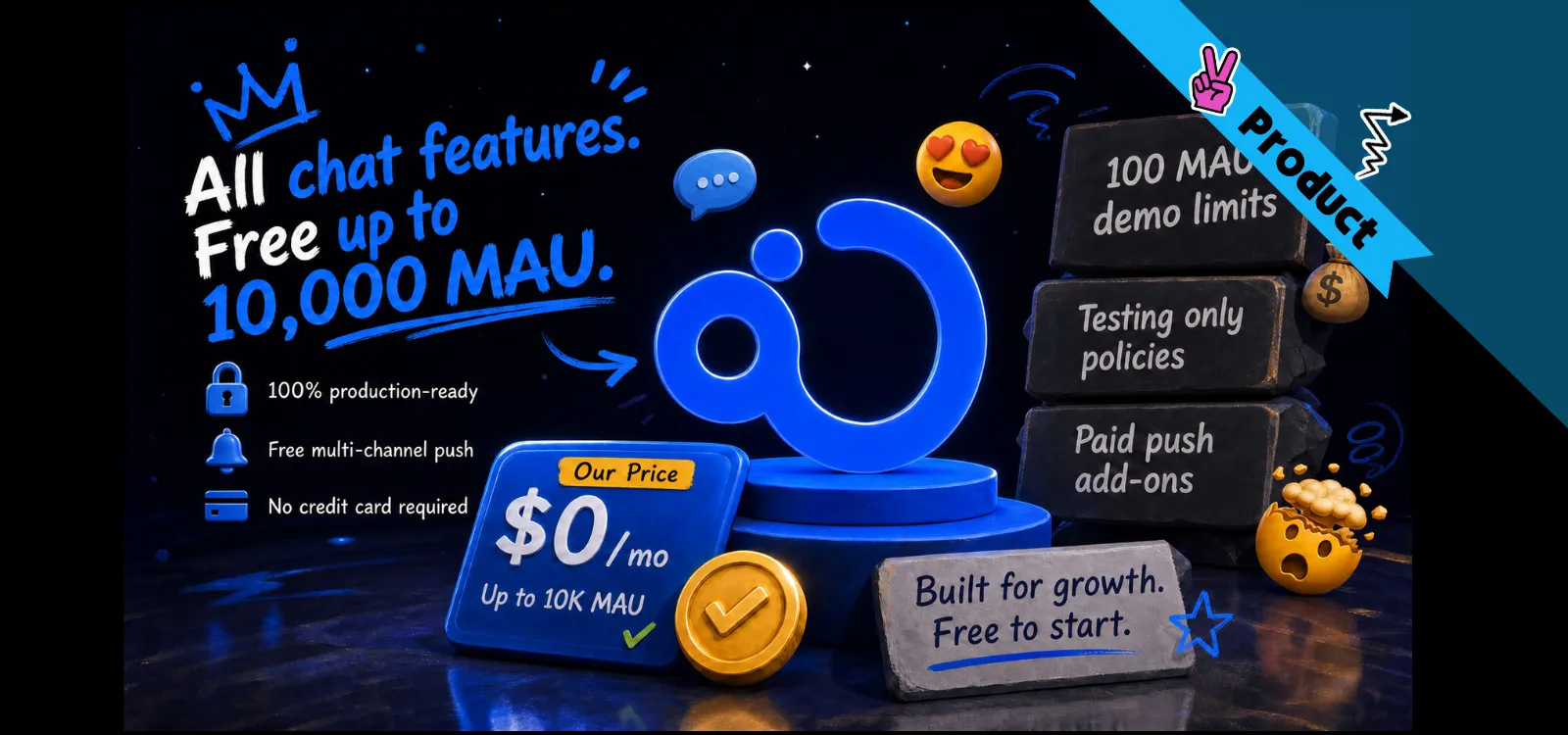
Building a unified messaging and notification workflow? Explore our Free Chat API & Messaging SDK (10K MAU) — complete in-app conversation channels and free multi-channel push at $0.
Choosing between in-app messaging, push notifications, and SMS is a critical decision for global user retention, yet many product teams mistakenly group them under the generic label of "notifications." While sending an alert seems simple, using the wrong channel at the wrong time is a primary driver of notification fatigue and user churn.
This 2026 strategic guide breaks down in-app messaging vs. push notifications vs. SMS — technical and operational differences — and explores how Nexconn's high‑performance infrastructure solves the complexities of multi‑channel communication to maximize ROI and engagement.
What is In-App Messaging and When to Use It
The user is in your app. Scrolling, tapping, reading. In-app messaging happens right then. You're talking to them through your interface while they're using the product.
Examples:
Chat between two buyers on a marketplace
System notice: "your team invite expired"
Support conversation inside a banking app
A price‑drop alert shown as a banner, not hijacking the whole screen
What do these have in common? Timing. The user is there. You're adding to what they're already doing — not interrupting.
Nexconn's Advantage: A Chat SDK Engineered for Real-Time Intimacy
In‑app messaging is easy when it's one‑way product announcements. It gets much harder when users talk to each other — real‑time, across dodgy networks, on different devices, with message history that has to persist.
That's exactly what Nexconn's Chat SDK was built for. It handles the heavy lifting:
Delivery guarantees – QoS and ACK at the protocol layer. No lost messages.
Offline queuing – when a connection drops, outgoing messages are queued locally and delivered once the link comes back.
QUIC‑based transport – reduces connection recovery time in weak network regions.
👉 Deciding between a Chat SDK and a Chat API? To understand why complex features like QUIC transport and offline queuing require a dedicated client-side library, see our guide on Chat SDKs vs. Chat APIs.
Push Notifications for Retention: A Strategic Deep-Dive
Push lives on the lock screen, in the notification tray, sometimes as a banner on top of whatever else they're doing. Your app can be closed. They don't even have to be thinking about you.
That's literally why push exists: to reach people who aren't in your app right now.
A ride arriving in two minutes. A package delivered. A message while you were asleep. That's where push shines. If you waited for them to open the app, the info would be useless.
Things go wrong when you use push as a crutch. "We miss you" isn't a notification. It's just you asking for attention. Do that too many times? They'll turn off notifications.
Nexconn's Edge: Intelligent Push Delivery that Prioritizes Retention
Nexconn's push layer is built into the Chat SDK — not bolted on. It supports:
APNs for iOS and FCM for overseas Android – standard, reliable.
Push Channel – Nexconn's own push channel that works worldwide and doesn't get killed by aggressive battery optimizers.
Pure push notifications – send a one‑way announcement that lands directly in the system tray, creates no message history, and doesn't require a chat session.
The Role of SMS in Modern Product Communication
SMS sits completely outside your app. No install needed. Works on every phone. Open rates look great — but that's because people open texts expecting them from real humans.
Giving out a phone number comes with an unspoken agreement. It's not "message me about anything." It's "reach me when it really matters."
So when does SMS make sense?
Two‑factor authentication codes
Urgent security alerts
Healthcare or finance appointment reminders
High‑value order confirmations
Without these, the user would be genuinely worse off. That's the bar. Most product messages don't clear it.
Broadcast vs. Targeted Messaging: How to Reach Users at Scale
Once you've decided between in‑app, push, or SMS, the next question is: how do you actually reach large groups of users without writing a mountain of one‑off logic? That's where Nexconn's broadcast tools come in.
Most messaging SDKs make you build your own targeting layer on top of basic channels. Nexconn ships four broadcast modes out of the box — and some of them are unique to the platform.
Feature
What It Does
All-User Broadcast
Sends a system notification to your entire user base. Ideal for global service updates and platform-wide marketing announcements.
Online-Only Broadcast
Delivers system messages exclusively to users with an active socket connection. Best for immediate, high-priority prompts.
Tag-Based Messaging
Leverages custom user segments (tags) with complex AND/OR logic. Enables granular, behavior-driven outreach.
OpenChannel Broadcast
Pushes messages to every active OpenChannel simultaneously. Designed for live events to reach all viewers instantly.
These aren't features you have to assemble yourself. Nexconn provides them as first‑class API endpoints, so your engineering team can focus on the user experience — not the plumbing.
Multi-Channel Strategy: How to Balance In-App, Push, and SMS
They're not competing. They're tools for different moments.
Channel
When to Use
Nexconn Capabilities
In-app messaging
When users are actively engaged inside the product.
Chat SDK for real-time conversation, atomic message delivery, and seamless offline queuing.
Push notifications
When users are inactive and the information is time-sensitive.
Native APNs/FCM plus a proprietary global push channel that bypasses battery optimizers.
SMS
For "Critical Path" alerts that must land regardless of data connection.
Global SMS infrastructure designed to complement in-app messaging for 100% reach.
Broadcast & Tags
When you need to reach mass audiences with granular targeting.
Four specialized modes: All-user, Online-only, Tag-based segments, and OpenChannel-wide.
Default to in‑app messaging whenever you can. Use Nexconn's SDK to make that experience rock‑solid. Use push only when timing genuinely matters. Save SMS for emergencies. And when you need to broadcast, use the built‑in APIs — don't rebuild that wheel.
Frequently Asked Questions
What is the fundamental difference between in-app messaging and push notifications?
The core difference is the user's state. In-app messaging happens while the user is actively engaged within your application, aiming to enhance the current session. Push notifications are delivered to the device's lock screen or tray when the app is in the background or closed, primarily to drive the user back into the app.
Can relying too heavily on push notifications negatively impact retention?
Yes. Over-using push for non-urgent content often leads to "notification fatigue," causing users to disable alerts or even uninstall the app. Nexconn recommends a strategic balance: use in-app messaging for standard engagement and reserve the push channel for time-sensitive, high-value alerts to maintain high opt-in rates.
How does Nexconn ensure push delivery on Android devices with aggressive battery saving?
Standard push services (like FCM) are often killed by background process limits on various Android handsets. Nexconn provides a proprietary, global Push Channel alongside FCM and APNs. Our infrastructure is engineered to bypass aggressive battery optimizers, ensuring that mission-critical alerts reach your users regardless of their device type or region.
Is it possible to broadcast messages to all users at once?
Absolutely. Nexconn offers four dedicated broadcast modes, including All-User Broadcast and Online-Only Broadcast. These allow you to send global announcements or time-sensitive event prompts to millions of users simultaneously via a single API call, without requiring your team to build a custom targeting layer.
We'd love to discuss how Nexconn's real-time communication solutions can support your business. Request a demo, explore pricing, or get tailored onboarding guidance.